Arabic
 French
 German
 Indonesian
 Italian
 Portuguese-brazilian
 Simplified-chinese
 Spanish
 Thai
 Traditional-chinese
 Turkish
 Vietnamese

1616A0 U2 USB for iphone
Code: IP06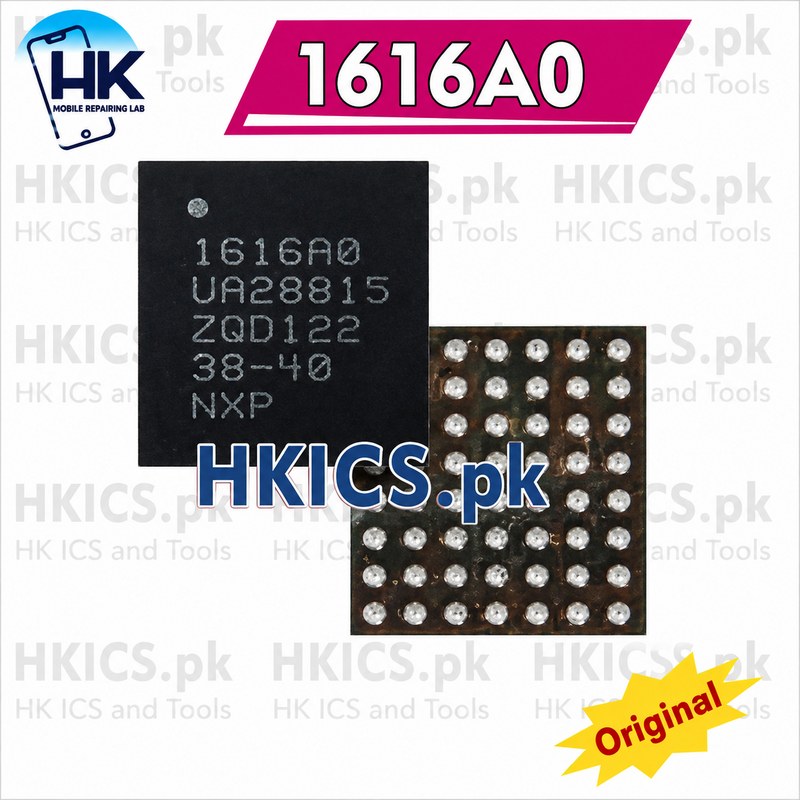
We are sorry but the product is out of stock, please check back after few days.
iPhone & iPad ICs
PKR 400.00
| Name | 1616A0 U2 USB for iphone |
| Code | IP06 |
| Type | Standard |
| Brand | |
| Category | iPhone & iPad ICs |
| subcategory | iP13 Series |
| Price | PKR 400.00 |
| Tax Rate | No Tax |
| Tax Method | Inclusive |
| Unit | Pcs (Pcs) |
| In Stock | No |
| Product Custom Field 6 | https://dhics.pk/product/1616a0-u2-usb-for-iphone-13-13-pro-max-13mini-charging-trystar/ |
Product details for Invoice
1616A0 U2 USB for iphone 13 13 Pro Max 13Mini Charging TryStar How to replace iphone iC chips? *Remove the chip cleanly, with hot air. *Clean the tracks with a soldering iron, tin and flux. *Clean the map. *Inspect the card under the microscope. *If we compare to the diagram on the PhoneBoard software;We observe very clearly that we will be able to put a wire to redo this connection. *Put on some flux. *Take a soldering iron with tin at the end. *Pass over the chip to smooth the balls. *Clean. *Put on a reballing stencil. *Spread some soldering paste. *Heat with hot air to form the balls. *Extract the chip by pushing with a thin tweezers. *Check the size of the balls. *And we end up putting the chip back. Flow, position and solder with hot air. *We let the phone cool, we go back and the problem is solved!
Sharing is caring, show love and share the product with your friends.